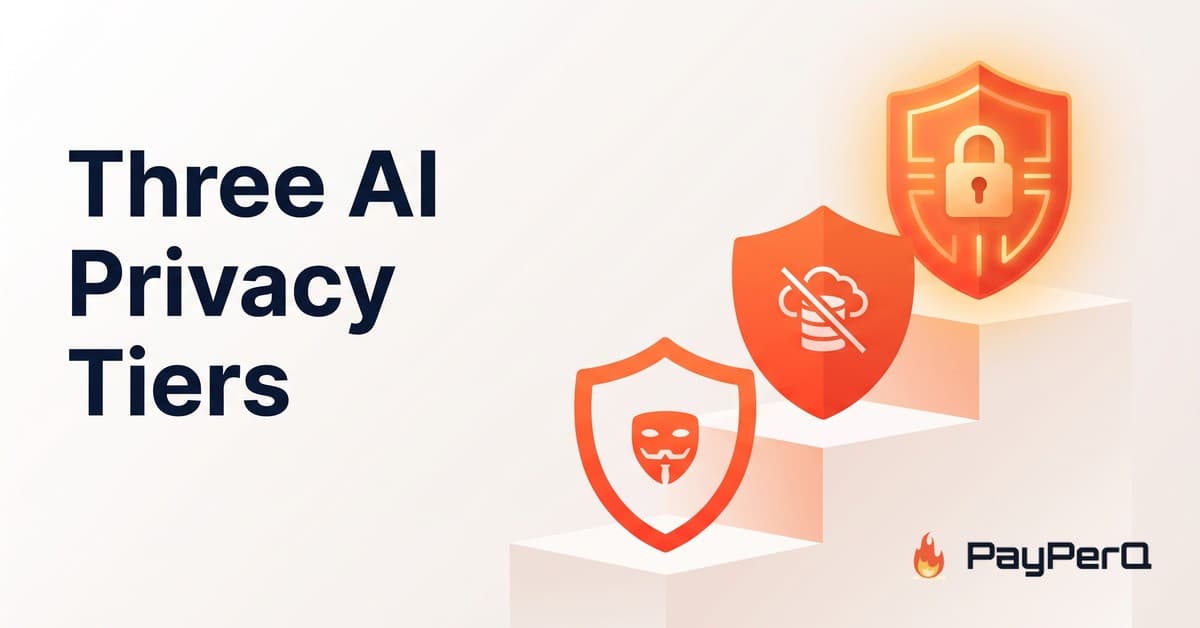
Anon vs ZDR vs TEE - Understanding PayPerQ's Three AI Privacy Tiers
Not every "private" AI model protects you the same way. Here's how PayPerQ's three privacy tiers — Anon, Zero Data Retention, and Trusted Execution Environment — actually differ, and how to pick the right one.
Privacy has always been core to PayPerQ — we store conversations locally by default, accounts are optional, and anonymous crypto payments are preferred. But "private" is not one setting. When you send a prompt to an AI model, what happens to that text depends heavily on which model you chose. To make that visible, every chat model on PayPerQ carries a privacy tier badge: Anon, ZDR, or E2EE. This post explains what each one really means, so you can match the model to the sensitivity of what you're asking.
Updated October 2026: since September, every chat request on PayPerQ, from the web app or the API, runs through the Enclave Router. Your prompt is encrypted before it leaves your device and is only decrypted inside an attested hardware enclave, so PayPerQ cannot read your chats on any model, whatever its tier. The tiers below are about the one party that still can: the model provider.
The Three Privacy Tiers
The tiers describe one thing: what the model provider can see and keep. PayPerQ itself is out of the picture on every tier, because the Enclave Router keeps your prompt hidden from us. By default your conversations are stored locally in your browser; if you create an account, we store your history so you can pick up conversations across devices. But regardless of how your history is kept on our side, downstream handling by the model provider varies by model — and the badge tells you exactly how.
- Anon — The model provider may retain prompt data, but requests are sent without account linkage. This unlinks the request from your identity; it does not strip personal information you type into the prompt itself. Think of it as anonymized, best-effort retention.
- ZDR (Zero Data Retention) — Requests are routed only to provider endpoints that have contractually agreed not to store prompt or completion data. The data flows through, generates a response, and leaves no persistent record. Nothing is logged or used for training.
- E2EE (Trusted Execution Environment) — The model itself runs inside a hardware-isolated secure enclave. Your prompt is encrypted on your device and is only decrypted inside the enclave where the model runs, so the provider cannot read it either. This is the strongest tier.
At a Glance
| Tier | PayPerQ can read your prompt? | Provider can read your prompt? | Provider can store it? | Best for |
|---|---|---|---|---|
| Anon | No | Yes | Possibly (per provider policy) | Everyday queries where you want identity unlinked |
| ZDR | No | Yes (in-memory only) | No — deleted after the request | Sensitive prompts where retention/training is the concern |
| E2EE (TEE) | No | No | No | Maximum-confidentiality work |
What Each Tier Protects Against
Choosing a tier is really about choosing your threat model.
Anon breaks the link between a request and you. It's useful when the concern is a provider building a profile tied to your account or identity — the prompt content still reaches the provider, so avoid putting secrets in it, but there's no account it can be attributed to.
ZDR targets a different risk: retention and training. Under a zero-data-retention arrangement, prompts and completions are not logged, not used to improve models, and not kept beyond the immediate call. In the wider industry this typically requires a negotiated enterprise agreement — on PayPerQ's web app, ZDR-badged models route exclusively through those endpoints for you automatically. (When using the PPQ API, Zero Data Retention is opt-in per request.)
E2EE / TEE is the strongest guarantee because it removes the provider from the trust equation too. With the Enclave Router, PayPerQ already can't read any of your chats; on Anon and ZDR models the provider still can, because that is where the model runs. On E2EE models the model itself runs on confidential-computing GPUs (such as NVIDIA H100-class hardware) inside a hardware-attested enclave, so your prompt is decrypted only inside that enclave and neither PayPerQ nor the provider can read it. If you want the full technical breakdown, see our dedicated post, Introducing Private AI Models.
How to Choose
- Just want your usage unlinked from your identity? An Anon model is fine — and it's the widest selection.
- Working with sensitive material and worried about it being stored or trained on? Pick a ZDR model.
- Handling something that must never be readable by anyone but you? Use an E2EE (TEE) model.
A good rule of thumb: the more you'd mind the model provider ever seeing the prompt, the higher up the tiers you should go. Whichever tier you pick, PayPerQ does not see it.
One limit to know about: the Enclave Router currently covers chat. Image, video and audio generation and the research tools are still handled by PayPerQ's backend directly. We don't log those queries, but we can't yet prove it the way we can for chat.
How to Use on PayPerQ
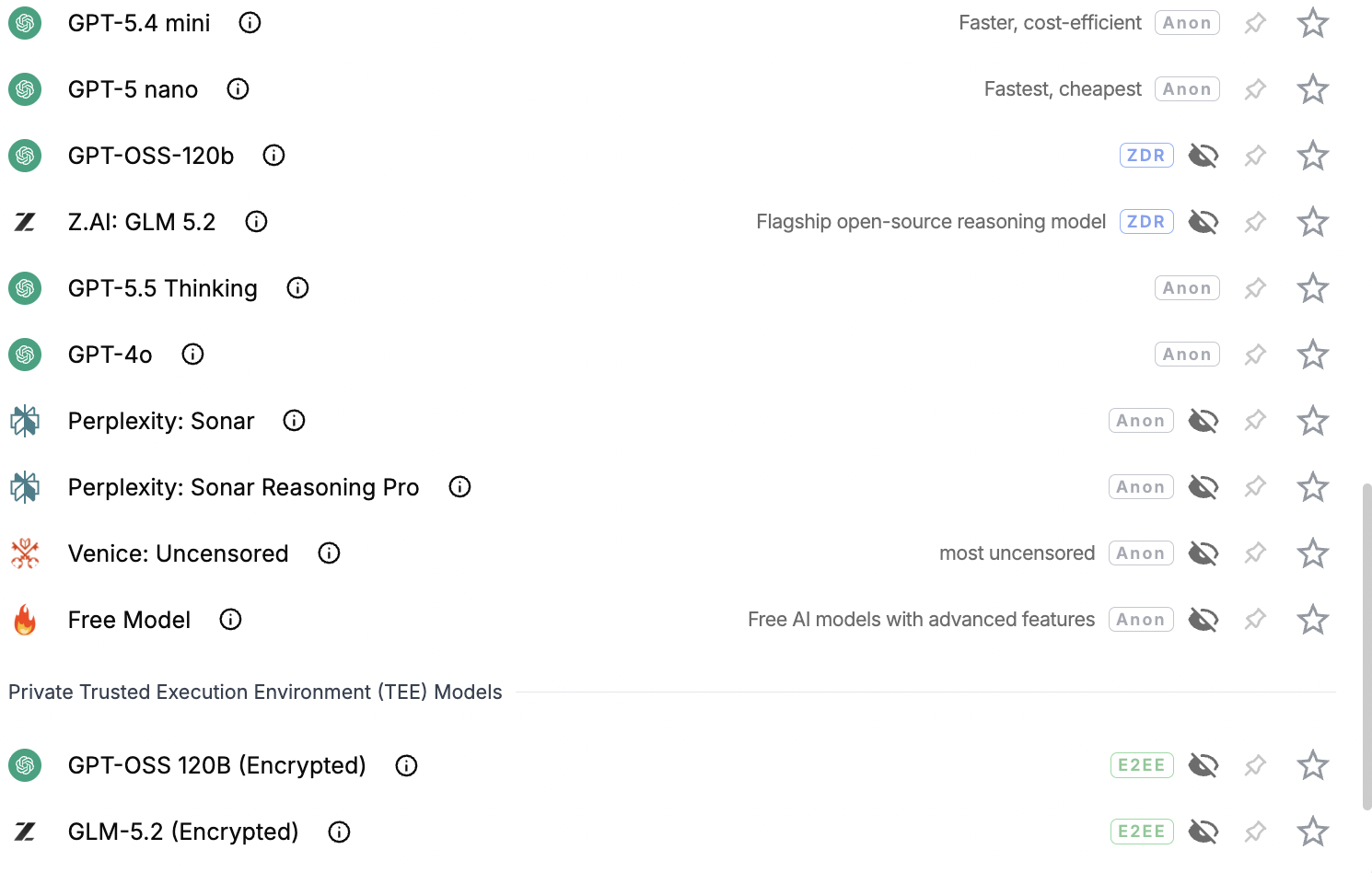
Every chat model shows its privacy tier badge right in the model selector. Hover over any badge to see exactly what it guarantees, or open our Privacy section for the full definitions.
What is PayPerQ?
PayPerQ is a pay-per-query AI service that gives you instant access to hundreds of chat, image, video, and audio AI models in one place. Unlike traditional ChatGPT subscription that charges $20+ per month, PPQ users pay only for what they use—averaging just $4 a month.
Account registration optional. No monthly commitments. Privacy focused. Credit cards and all major cryptos accepted. Just top up with as little as 10 cents and start using premium AI immediately.
Why Use PayPerQ?
- Access hundreds of AI models from all major providers in one place
- Pay per use - no subscriptions, no wasted money on unused credits
- No registration required - start using AI in seconds
- Start small - top up with as little as 10 cents
- Privacy-first - conversational data stored locally by default
- Average cost: ~1 cent per query
Getting Started
- Visit ppq.ai
- Top up your balance (crypto or credit card, as little as 10 cents)
- Select your model and start chatting
No account creation needed—just fund and go.